Emoji on Discord are special. Thanks to the mystical power of PNGs (and sometimes GIFs), you can make a tiny little picture out of almost any symbol, in-joke, or bizarre late-night inspiration. Got a story about how your friend chugged 9 million Scoville hot sauce directly from the bottle? Hot sauce skull emoji. Need a unique way to welcome your friends and/or terrify them the second they message you? Create an emoji of yourself waving hello! Spilled soda on your keyboard? You guessed it: replace the non-functioning letters with cunningly camouflaged emojis. The possibilities are truly endless.
We’re so keen on the darn things, we decided to make a blog post answering all the most frequently-asked FAQs about them on one easily-referenced page. So break out the ✏️and 📜 and let’s dive in!
What IS a custom emoji on Discord?
First off: Emoji are tiny lil’ pictures you can drop into your Discord messages. You can also use them as a Reaction to display an emoji next to someone’s message in DMs and server text channels, and as part of your custom status message, helping sum up your feelings in a handful of pixels.
Discord has plenty of default emojis, but also lets communities create, upload, and use their own. You can use them just like you would ✨normal emojis ✨, injecting a little bit of extra personality, emotion, and fun into your messages.
How can I add my own custom emoji to Discord?
Emojis live in Discord servers, so you’ll need to hop over to a server that allows you to upload custom emojis. Then head into Server Settings > Emoji.
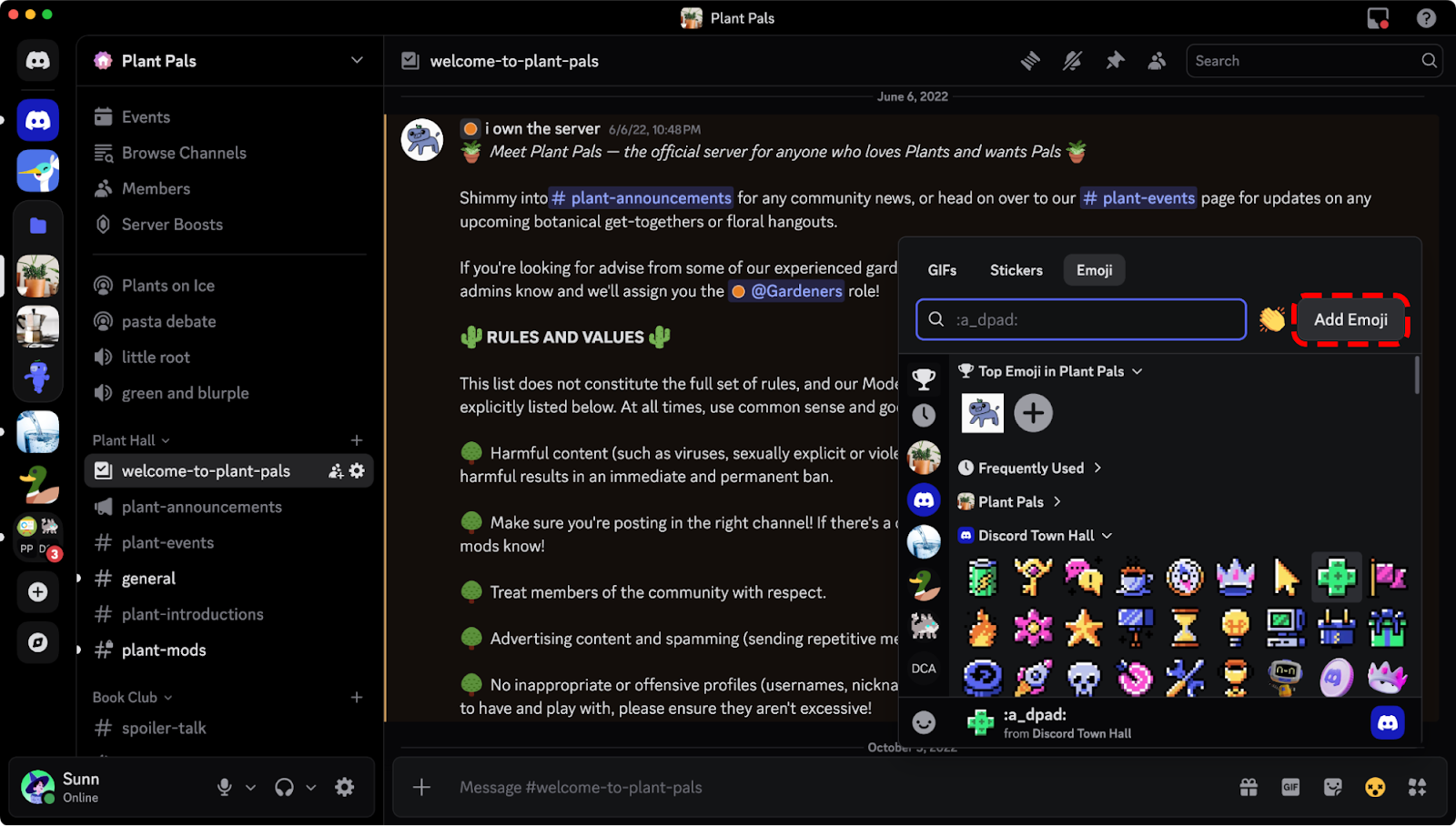
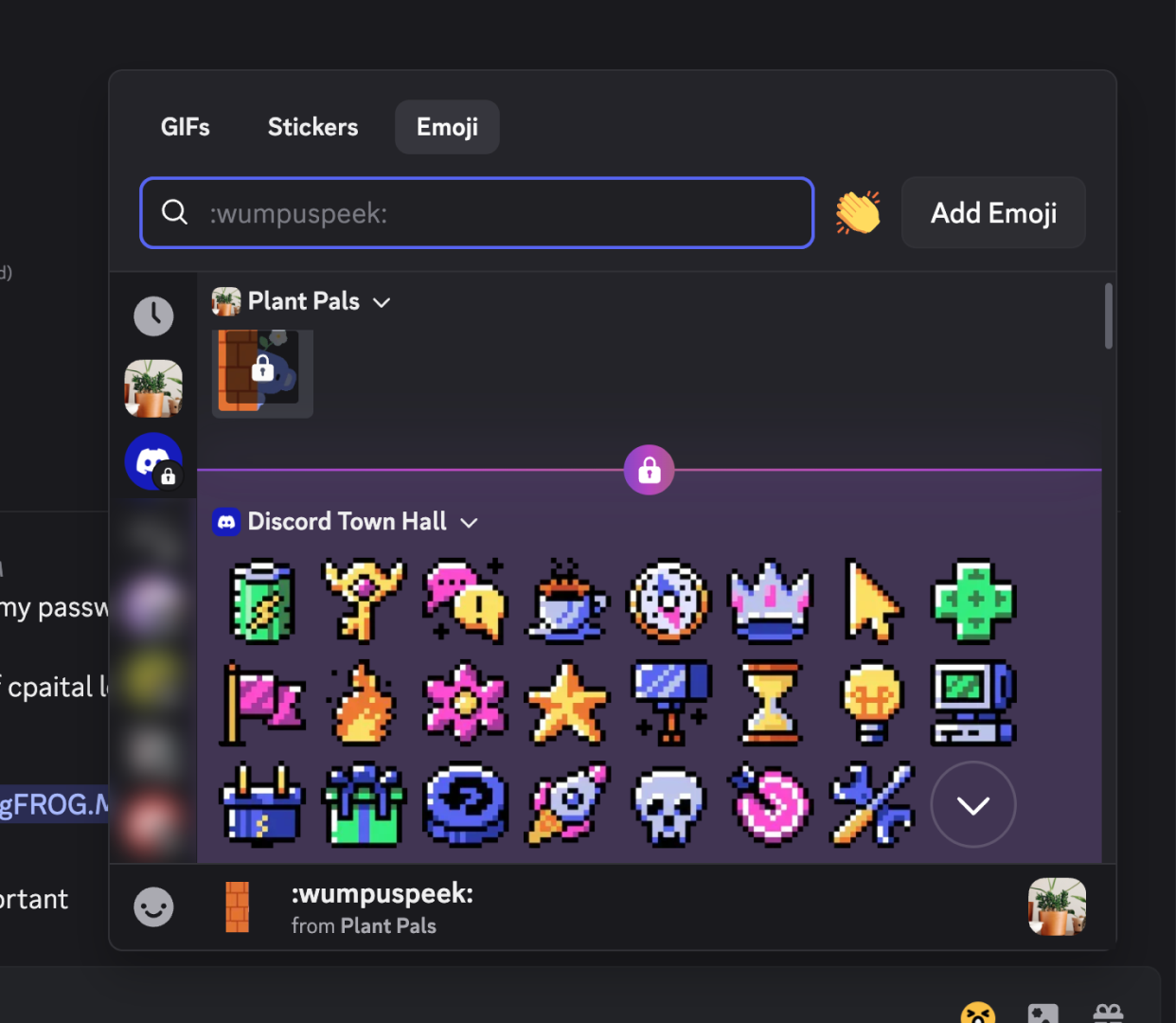
You can also upload your emotes directly from within your emoji picker. This option appears if you have the right server perms to upload them to a server you’re in. You won’t have to worry about dumping an emoji into some random server, like the infinite abyss that is your PC’s Downloads folder.
Do keep in mind that when you upload custom Discord emojis, you’re adding them to a specific server, to be used by that specific community. To use those custom emojis in a different server, you’ll need to either upload them to each server you want to use them in or subscribe to Discord Nitro.
What are the file requirements to upload a Discord emoji?
There are no file size limitations! Well, kinda.
The app used to be pretty stingy about uploading something that fit the exact size and dimension requirements, but nowadays you can upload any ol’ image and Discord’ll do all the resizing for ya! Gone are the days of people going “Uhhh… make sure the emote is 128x128 exactly, PNG file type,” and all that nonsense.
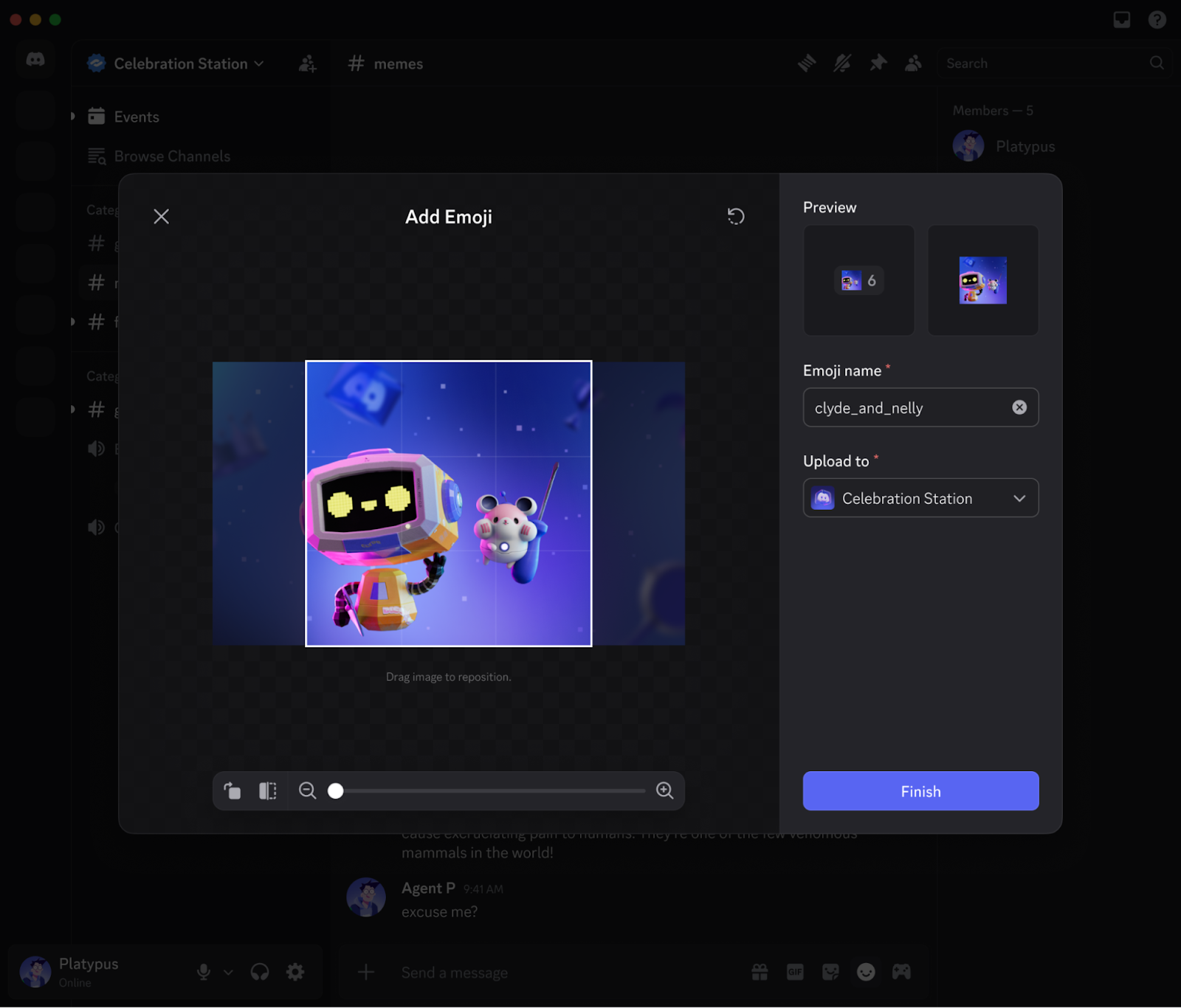
When you go to upload your next beautiful(ly cursed) emoji, you’ll see a screen like this below:
Here, instead of preparing your emoji before uploading, you can resize and crop as you upload! You already spent all that time taking the perfect screencap of your friend’s absolutely disgusted face while eating a rancid sandwich — the app will do the rest.
If you’re still interested in the optimal emoji sizes for Discord, we got those deets for ya below. We’ll still fix things up while you upload, so it’s no sweat if you don’t adhere to them… they’re more like guidelines nowadays.
File type: Use either a JPEG, PNG, GIF, WEBP, or AVIF image.
File size: 256 KB. If your emoji’s a bit bigger, we’ll go ahead and compress it.
Dimensions: 128x128. Bigger or smaller will work, but 128x128 is juuuust right.
Name: Every emoji gets a short name of at least 2 characters, which you’ll type out when you want to use it. Like :joy:, or :GiantHead:, or :SunfishPog:
If you ever lose this bookmark, don’t fret: these requirements are provided right where you’ll go to upload your beautiful work, in Server Settings > Emoji.
Do I need to do anything special to upload animated emojis versus static emojis?
Nope! Same deal. It’ll end up in the special “Animated Emoji” section instead of the “Emoji” section, but you’ll need to be a Nitro member to use those newly-uploaded animated emojis.
Is there a limit to what kinds of emojis I can make?
The only limit is your imagination! Also, our Community Guidelines and Terms of Service. Those are actually extremely important limits. You gotta, as Legal puts it, “comply with our policies” so you don’t go and get yourself in trouble for a silly ‘lil emoji.
One wrinkle that’s worth calling out: emojis can’t be age-restricted. That means that if you’d normally have to put something behind an Age Restricted gate for it to be allowed on Discord, you aren’t allowed to make it into an emoji. For example: no graphic violence, no adult content, and make sure you have the rights to upload that silly little froggy.
I’ve seen some people post bigger Discord emojis. How do they do that?
They’re wizards.
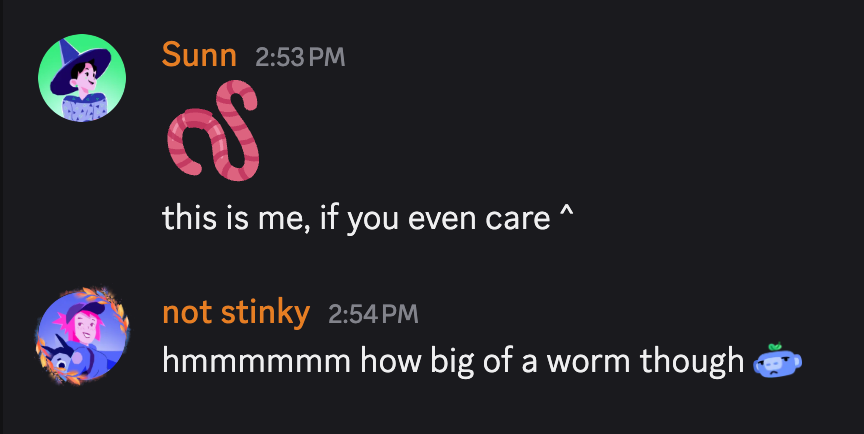
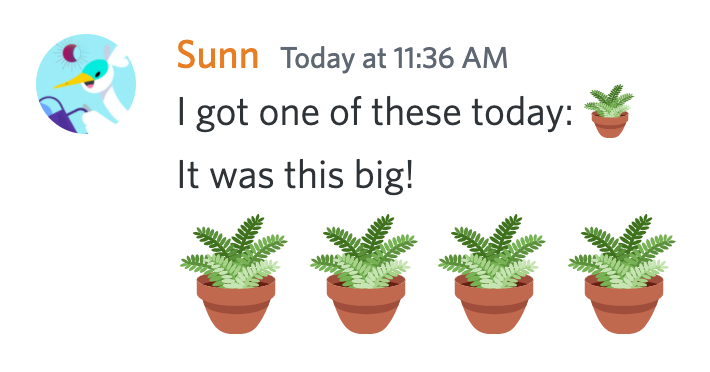
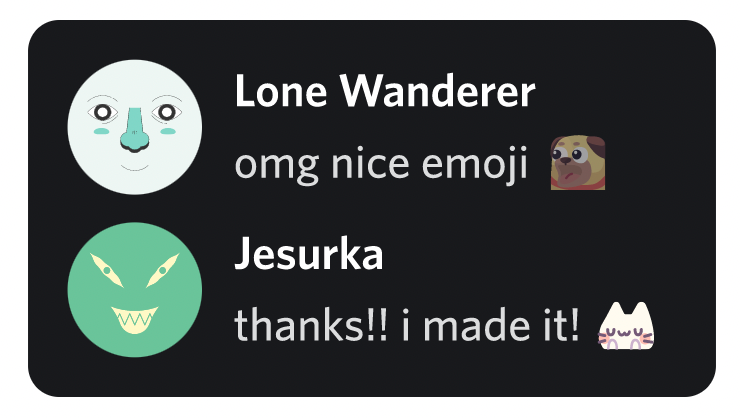
Just kidding. The secret is that if your message contains only emojis, they’ll show up bigger than normal once you post. Compare and contrast these two messages:
You can post up to 27 emojis in a single message, and as long as you don’t include any regular text, they’ll all turn into big emojis — or jumbojis, as we like to call them, but spellcheck has flagged that for some reason. Post more than 27 emoji? Small again.
Hope that helps. Congratulations on graduating wizard academy!
How many emojis can one Discord server have?
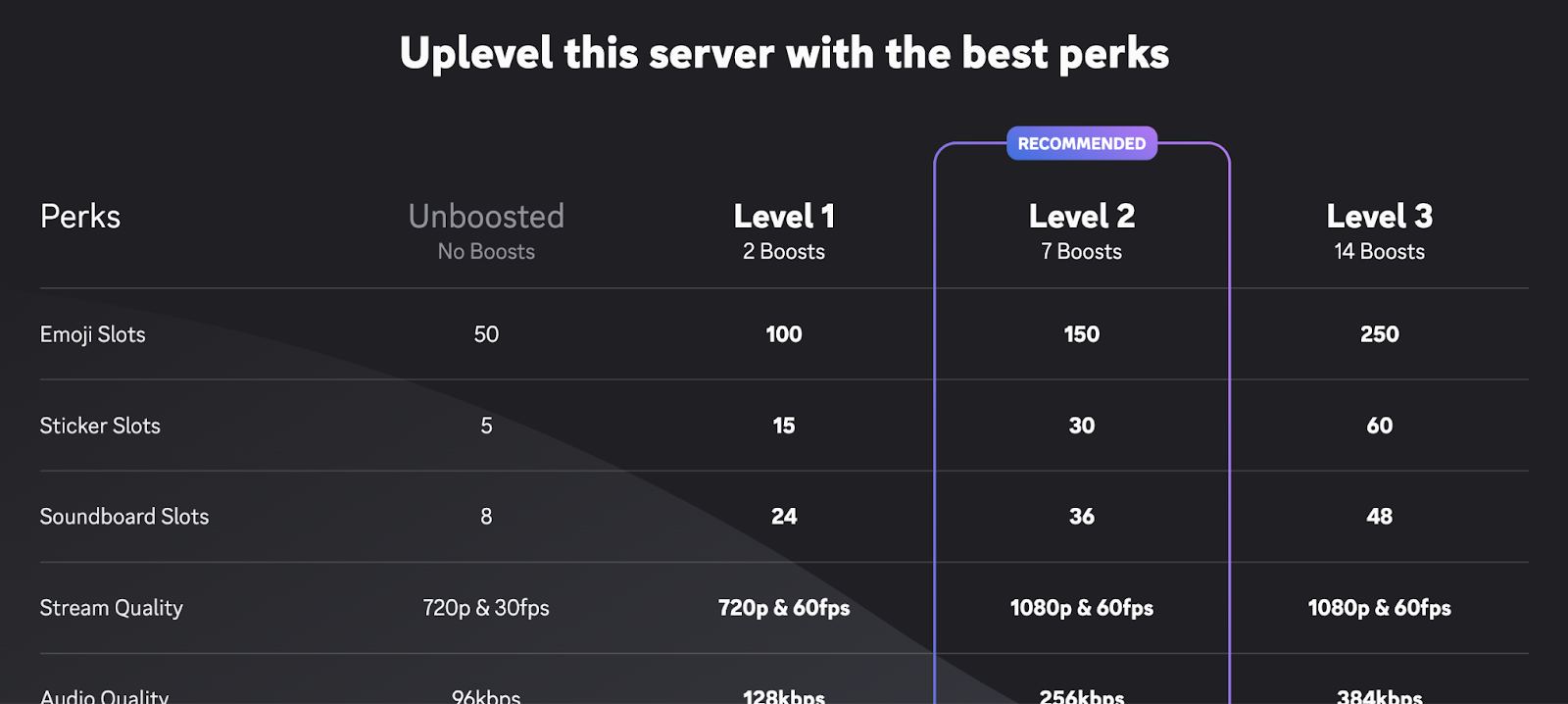
The standard Discord server can have up to fifty ordinary custom emojis, plus fifty more animated custom emojis. That’s for everyone — so if Angie uploads 49 animated emojis and Bobert uploads 1, nobody else can add more.
Where things get interesting is if your server’s been Boosted. Raising your server’s Boost Level also increases its emoji limit: Level 1 servers can hold up to 100 standard and 100 animated emoji, up to 150 of each emoji type at Level 2, and up to 250 each at Level 3. So if you want an emoji for every moon in the solar system, good news: you just gotta do some Boosting first.
A small portion of all the available Boosting perks. “Emoji slots” is at the top!
Discord keeps changing my text to emojis! How can I disable that?
We hear you: you didn’t mean 😀, you meant :), and there is most certainly a difference.
If you’d prefer to keep your text emotes just the way you wrote them, head into User Settings > Chat. There you’ll find a toggle for “Automatically convert emoticons in your messages to emoji.” Switch it off if you want control over what’s a :) and what’s a 🙂.
I tried to use a custom emoji in a Discord server, but there’s a lock icon on them! Why can’t I use it?
There are a few reasons why a custom emoji you’re trying to use might be locked out:
You aren’t currently a Nitro member, and therefore can’t use emojis from an outside community.
The server has chosen not to allow members to use emojis from outside communities, even if they do have Discord Nitro.
The server lost some custom emoji slots when it went down a Server Boost tier (but once it’s boosted back where it was, the emoji will unlock again!)
It’s not really a formal category of servers. Basically, they’re community-run Discord servers that boost themselves up to the max so they can hold a who-o-o-le lot of emojis. Like any community, they’ve come together for a shared purpose, which in this case happens to be collecting small pictures of their favorite things.
If you’ve got Nitro, these servers offer a convenient way to load up on hundreds of quality emojis to use in other servers. Either way, you can make friends with fellow emoji enthusiasts! That sounds nice.
We hope this clears up some of the myths and mysteries about our precious natural resource, the Discord Emoji. Did we miss an important question? Send us a tweet and let us know.
Tags
No items found.
Locke
Locke's years of experience throughout the universe make him the most knowledgeable person to teach you about All Things Discord. Has a soft spot for Nutella and jack cheese sandwiches.





.png)








.png)
.png)




Nameplates_BlogBanner_AB_FINAL_V1.png)

_Blog_Banner_Static_Final_1800x720.png)


_MKT_01_Blog%20Banner_Full.jpg)


.png)


